A hard clash occurs when two elements physically occupy the same 3D space, such as a duct running through a structural beam. A soft or clearance clash occurs when elements are technically separate but violate a required clearance buffer, such as a sprinkler head installed too close to a light fixture.
How to Resolve MEP Clash Detection Issues Using Navisworks Before Concrete Pours
Learn how to use Navisworks for effective MEP clash detection before concrete pours. This guide explains the complete BIM coordination workflow, from federating architectural, structural, and MEP models to setting up clash tests, reviewing hard and soft clashes, assigning issues, and verifying resolutions. It also covers common MEP conflicts such as duct-to-beam, piping, conduit, sleeve, and underslab clashes, plus a practical pre-pour checklist to help prevent costly rework, delays, and change orders.
What Is MEP Clash Detection in Navisworks?
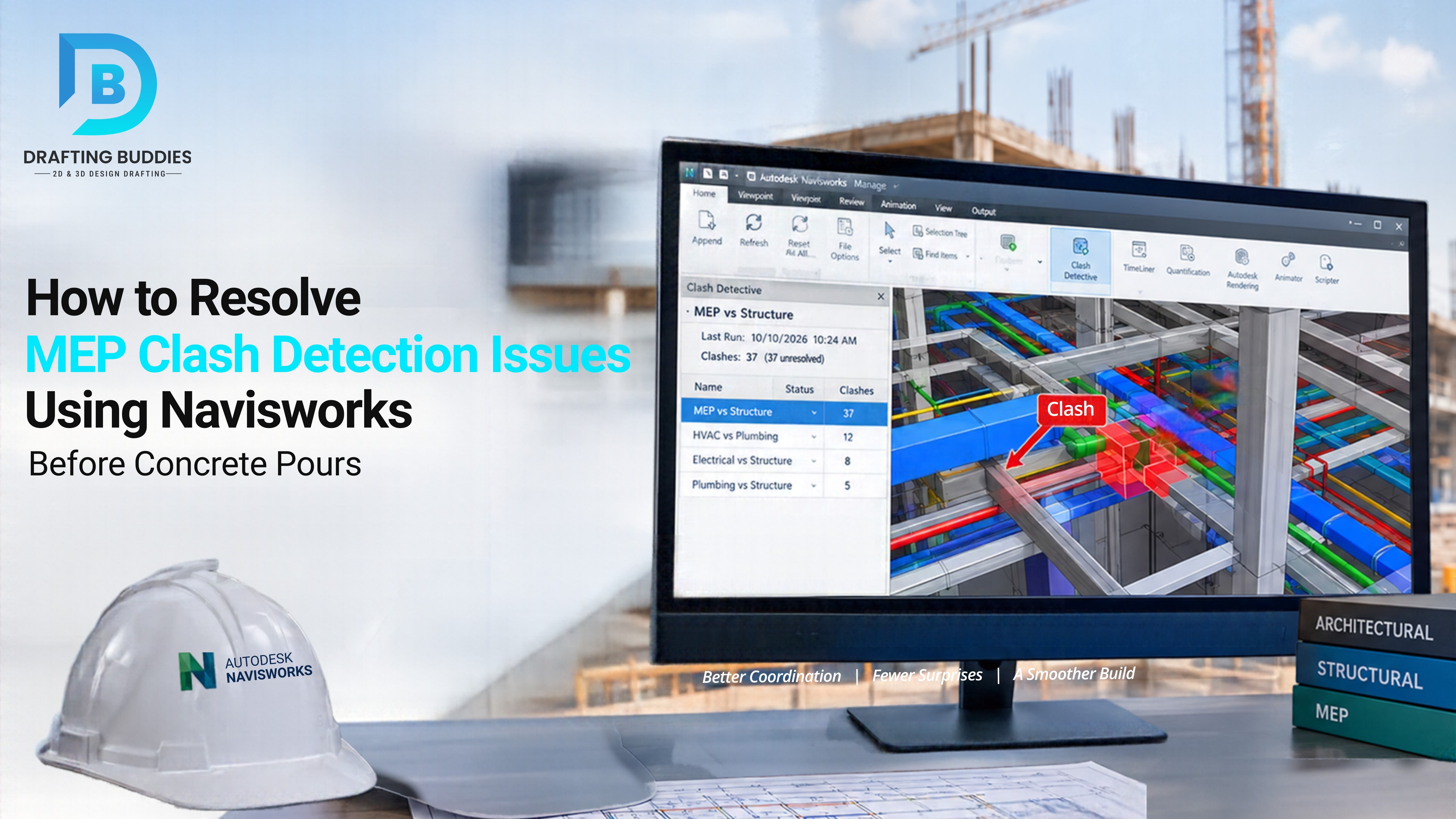
MEP clash detection in Navisworks is the process of importing aggregated mechanical, electrical, plumbing, structural, and architectural BIM models into Navisworks Manage and running the Clash Detective tool to automatically flag every point where two systems occupy the same space. It surfaces hard clashes, clearance violations, and workflow conflicts weeks before formwork and rebar are locked in - while corrections are still a model edit, not a demolition order.
Every concrete pour is a point of no return. Once a slab or wall cures around a mis-sized sleeve, a missed duct penetration, or a conduit run that was never checked against the beam schedule, the fix stops being a drafting task and becomes a change order - core drilling, structural re-review, schedule slippage, and a very uncomfortable call to the general contractor. For architects, GCs, structural engineers, and developers outsourcing coordination work, the single highest-leverage step in the entire BIM process is running disciplined MEP clash detection in Navisworks before that pour date gets locked on the schedule.
This guide walks through the exact Clash Detective workflow used to catch MEP coordination issues early, the difference between hard and soft clashes, the clash types that most often slip through, and a pre-pour checklist you can hand directly to your coordination team.
Why Clash Detection Has to Happen Before Concrete Pours, Not After
Structural concrete is the least forgiving element in any building sequence. Steel can be re-routed, ductwork can be re-hung, and drywall can be re-cut - but a slab, foundation wall, or column that has already cured around the wrong sleeve location effectively fossilizes the error. Post-pour fixes for missed MEP penetrations routinely mean:
- Core drilling through cured, reinforced concrete, with a structural engineer signing off to confirm rebar isn’t compromised.
- Schedule float loss that ripples into every trade sequenced after the pour.
- Rework change orders that erode contractor margin and strain the GC-subcontractor relationship.
- Inspection delays if the fix requires re-submittal to the authority having jurisdiction.
Running MEP clash detection in Navisworks during the coordination phase - while models are still federated drawings, not physical concrete - turns every one of those problems into a five-minute correction in the model.
The Navisworks Clash Detective Workflow, Step by Step
- 01
Aggregate Discipline Models into a Federated Navisworks File
Export architectural, structural, and MEP models from Revit, AutoCAD, or other authoring software as .NWC (Navisworks Cache) files, then append them into a single .NWF(Navisworks File) so every discipline is viewable in one federated environment. Keeping the NWF live-linked to the source files means the model updates automatically as design changes continue upstream.
- 02
Organize Selection Sets by Discipline and System
Before running a single test, build clean selection sets - ductwork, piping, conduit/cable tray, structural framing, sprinkler mains - so clash tests can be scoped intelligently instead offlooding the report with irrelevant results. Well-structured selection sets are what separate a usable clash report from an unreadable one.
- 03
Configure Clash Tests in Clash Detective
Open the Clash Detective tab and set up individual tests pairing two selection sets - for example, "Mechanical Ductwork" vs. "Structural Beams" or "Plumbing" vs. "Electrical Conduit." Define the clash tolerance and choose whether the test checks for hard clashes, clearance clashes, or duplicate geometry.
- 04
Run the Test and Triage Results
Navisworks generates a results list with every detected collision, complete with a 3D viewpoint, coordinates, and involved elements. Each clash gets a status - New, Active, Approved, Resolved, or Reviewer-assigned - so nothing gets lost as multiple trades work through the same list.
- 05
Group, Assign, and Document
Group related clashes (e.g., a duct run crossing three separate beams) so they’re resolved once instead of three times. Assign each clash to the responsible discipline, add markups or redline notes directly on the 3D viewpoint, and export the report for the coordination meeting.
- 06
Re-Run Before Sign-Off
After the responsible trades update their models, re-run the same clash tests to confirm the fix actually resolved the conflict - and didn’t introduce a new one elsewhere. Publish the final coordinated model as a locked .NWD (Navisworks Document) for the pour sign-off package.
Hard Clashes vs. Soft (Clearance) Clashes
Not every clash Navisworks reports looks the same, and treating them identically wastes review time. Understanding the distinction is core to prioritizing a clash report before a pour deadline.
| Clash Type | What It Means | Typical Example |
|---|---|---|
| Hard Clash | Two elements physically occupy the same 3D space | HVAC duct routed directly through a structural beam |
| Soft / Clearance Clash | Elements don’t overlap but violate a required clearance buffer | Sprinkler head positioned too close to a light fixture for code coverage |
| Workflow / 4D Clash | A time-sequencing conflict rather than a spatial one | MEP rough-in scheduled before the structural pour it depends on |
| Duplicate Clash | Identical geometry modeled twice, often across disciplines | A sleeve modeled by both structural and plumbing teams |
MEP Clashes That Most Often Slip Through to the Pour Date
- Sleeve and penetration mismatches - a plumbing riser sized after the structural sleeve was already detailed.
- Duct-versus-beam conflicts in tight ceiling plenums, especially at transitions and shafts.
- Conduit and cable tray crossing fire-rated assemblies without the required firestop detailing.
- Underslab plumbing versus foundation footings - one of the most expensive clashes to catch late, since it sits below the pour itself.
- Embed plate and anchor bolt locations that shift after structural steel detailing but before the electrical team re-checks conduit stub-ups.
Pre-Pour Clash Detection Checklist
- All discipline models exported as current NWC files and appended to the federated NWF
- Selection sets rebuilt to reflect the latest design revision
- Hard clash test run across structural vs. MEP (ductwork, piping, conduit)
- Clearance/soft clash test run for code-required buffers (fire, access, maintenance)
- Underslab and foundation-level clashes checked separately from above-grade systems
- Every clash assigned a status and an owning discipline
- Coordination meeting held with a shared clash report, not individual screenshots
- Clash tests re-run after fixes, before the model is published as the pour reference set
When to Outsource MEP Clash Detection and BIM Coordination
Running disciplined clash detection across every discipline, on every revision, is time-intensive - and it's exactly the kind of production work that pulls senior staff away from design and engineering decisions. That's why architecture firms, general contractors, structural engineers, and developers increasingly hand off model aggregation, clash test setup, and resolution logs to a dedicated BIM coordination partner rather than pulling internal teams off billable design work.
A specialized bureau can maintain the federated model, run recurring clash cycles as design changes come in, and deliver a clean, assignable clash report ahead of every coordination meeting - so the pour date is never the first time a conflict gets discovered.