Not completely. On larger and more complex projects, BIM is becoming the main working model and the 2D sheets are generated from it. 2D CAD is still a sensible choice for small tenant finish-outs, simple permit sets, standalone details and quick revisions to existing 2D files.
Why Texas Developers Are Swapping 2D CAD for 3D BIM Modeling in 2026
Texas developers are increasingly considering 3D BIM modeling to improve coordination, identify design clashes, manage quantities, and reduce construction rework. This article compares 2D CAD drafting with 3D BIM, explains Texas building code considerations for 2026, and outlines how to choose the right LOD and transition to a hybrid CAD-BIM workflow.
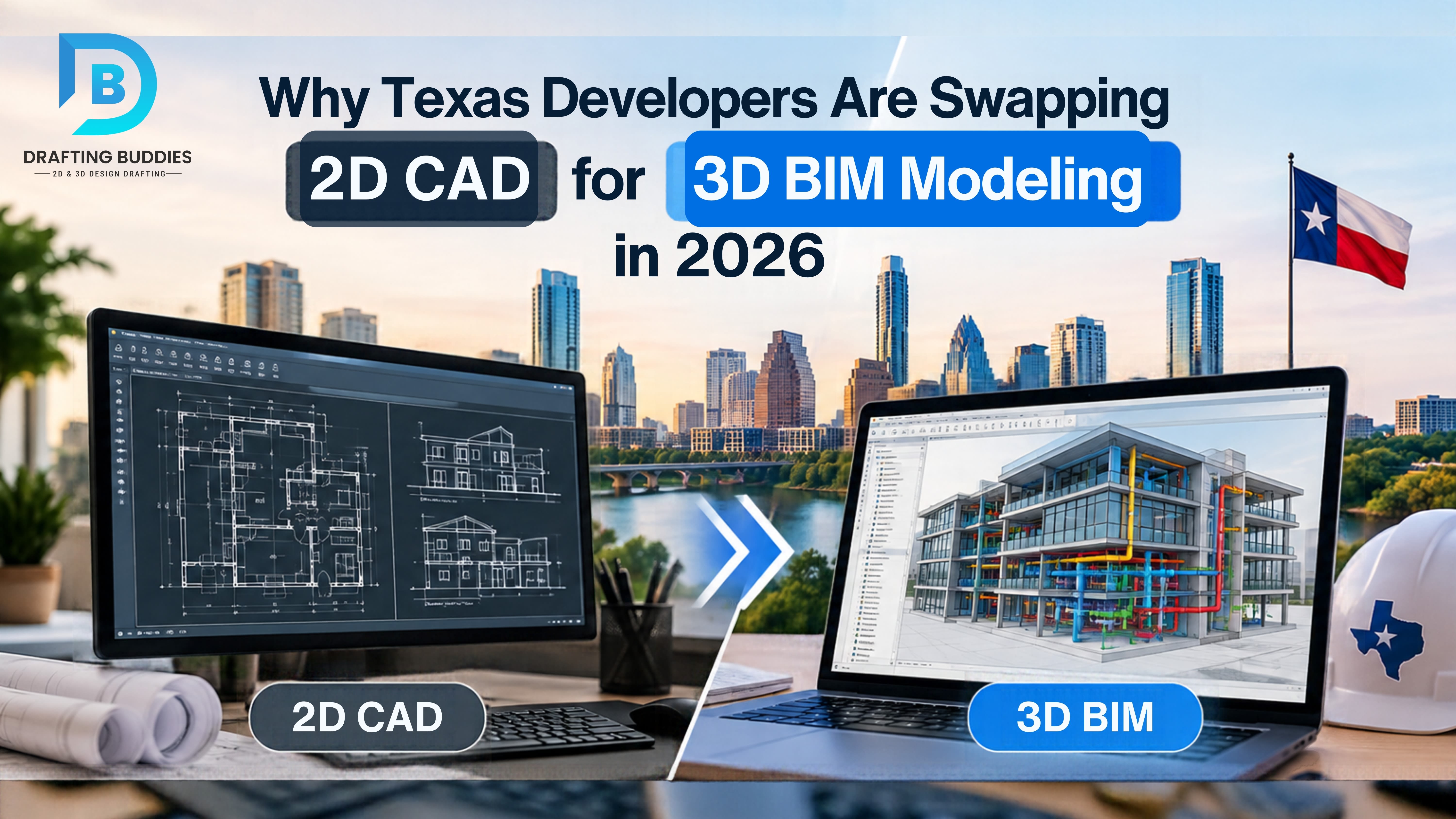
If you develop or build in Texas, you have probably lived this scenario: the architectural plan, the structural set and the MEP drawings were each correct on their own, yet a duct runs straight through a beam on site. Someone files an RFI, trades wait on answers, and a change that took ten minutes on paper costs days in the field.
That is the practical problem behind the shift this article covers. Projects in Texas are getting bigger and faster, owners expect cleaner handover data, and the people who build the work want fewer surprises. Flat, sheet-by-sheet drafting makes those goals harder, because every sheet has to be kept consistent by hand.
Below we explain what actually separates 2D CAD from 3D BIM, the specific reasons Texas teams are making the move, where 2D still wins, and a step-by-step way to transition without derailing a live schedule. One caveat up front: we are not citing a survey that counts how many Texas developers have switched. The reasons below come from market and code facts we could verify, plus what we see in day-to-day drafting work.
2D CAD vs. 3D BIM, in plain terms
2D CAD drafting produces separate drawings built from lines, arcs and text. A plan, a section and an elevation of the same wall are three drawings that someone must keep in agreement. 3D BIM modeling (Building Information Modeling) builds the building itself as intelligent objects: walls, ducts, beams and doors that carry size, material and system data. Plans, sections, elevations, schedules and quantity takeoffs are then views of that one model.
General comparison. Actual results depend on project type, team skill and the level of detail specified.
| Question | 2D CAD drafting | 3D BIM modeling |
|---|---|---|
| What you produce | Separate drawings | One model plus drawings generated from it |
| When something changes | Each affected sheet is edited by hand | Edit the model and dependent views update |
| Trade coordination | Overlay drawings and compare by eye | Combine discipline models and run clash detection |
| Quantities and schedules | Counted manually or in a separate takeoff | Extracted from model objects |
| Best suited to | Simple, small or detail-only work | Complex, multi-trade or long-lived buildings |
| Main limitation | Consistency depends on people catching errors | More setup effort; quality depends on modeling standards |
Coordinated BIM model
architecture + structure + MEP
Plans and sections
Door and room schedules
Quantity takeoffs
Clash reports
Permit and shop sets
As-built records
Why Texas developers are making the shift
Data centers and industrial work reward coordination
Texas is one of the most active data-center markets in the country. ConstructConnect reported that data-center construction starts in Texas totaled about $11 billion in the 12 months through November 2025, and Google announced a $40 billion commitment to new AI data centers in the state. Separately, a national forecast from Merlo America and BiltData.ai places Dallas-Fort Worth and Houston among the five largest U.S. construction markets through 2031.
These building types are dense with mechanical, electrical and piping systems that must fit in tight envelopes. That is exactly where clash detection pays off: finding a conflict in a model costs far less than finding it after steel is up or ductwork is hung.
Fewer RFIs and less rework
RFIs often trace back to drawings that disagree with one another. A single model does not eliminate human error, but it gives coordinators one place to find and resolve conflicts before they reach the field. We do not quote a percentage savings here because results vary widely with project type and how rigorously the model is managed.
Owners and lenders want data, not just drawings
Many owners now ask for a model they can reuse for facility management, renovation planning and asset records. A coordinated model with the right level of detail makes that handover straightforward. Requirements differ by owner, so confirm what your client or lender expects in the contract documents.
Quantities and options get faster to evaluate
When quantities come from model objects, a design change can be priced and compared sooner. For developers weighing massing options, unit mixes or phasing, that speed helps decisions, as long as the model is built to a consistent standard.
Existing buildings and renovations
Texas has plenty of aging stock in its major metros. Scan-to-BIM turns laser scan data or verified field measurements into a model of existing conditions, so renovations start from measured reality rather than decades-old drawings. Accuracy depends on scan quality and on how much of the building you can access.
What the 2026 Texas code picture means for drawings
Texas adopts most building codes at the local level, so the edition that applies depends on the jurisdiction and project type. Several updates landed or take effect in 2026, and drawings need to reflect the correct edition. Always confirm with the authority having jurisdiction (AHJ) before you finalize a set.
Snapshot as of October 2026. Sources: International Code Council and the City of Austin. Verify current editions with your AHJ.
| Jurisdiction | What is notable |
|---|---|
| State of Texas (TDLR) | Adopted the 2024 International Mechanical Code, Fuel Gas Code and Residential Code, effective September 1, 2026. |
| City of Austin | Technical codes list the 2024 IBC, IRC, IECC, IEBC and IFC, with the 2026 National Electrical Code listed as effective September 1, 2026. |
| Houston, Dallas, San Antonio and others | Adopt and amend codes locally, so editions and amendments can differ from Austin and from each other. |
For drafting, the takeaway is practical: when several jurisdictions, code editions and local amendments touch one portfolio, a model with consistent standards makes it easier to update and re-issue sets. It does not replace code review by the design professional of record.
Where 2D CAD still makes sense
An honest comparison has to include the cases where switching is not worth it:
- Small tenant finish-outs and simple permit sets where there is little trade overlap to coordinate.
- Standalone details, such as a flashing, a connection or a custom millwork section, which are still often drawn in 2D even inside BIM projects.
- Quick edits to legacy 2D files when a client only needs a revision, not a rebuild.
- Tight budgets with a short life span, where nobody will reuse a model after construction.
Most mature teams end up hybrid: the model drives plans, sections and coordination, and 2D drafting handles details and annotation.
Limitations worth planning for: modeling takes more effort up front, models need clear standards to stay reliable, and a BIM deliverable is only as good as its level of development and the discipline of the people maintaining it. Software, training and file-management needs are real costs.
How much model detail you need (LOD)
Level of development (LOD) describes how much a model element can be relied on. Asking for more than the project needs adds cost; asking for less than a decision requires adds risk. The levels below follow the common LOD 100 to 500 framework, and some specifications also define an intermediate LOD 350 for coordination between trades.
LOD 100
Concept, massing
LOD 200
Approximate size and location
LOD 300
Precise geometry for permit and CDs
LOD 400
Fabrication and install detail
LOD 500
Field-verified as-built
How to transition, step by step
You do not need to convert a whole company overnight. A staged approach lowers risk:
- Pick a pilot project. Choose one with real coordination pressure, such as a multi-trade or multifamily job, and avoid a project already in crisis.
- Write down what the model is for. Decide whether it must support clash detection, quantities, permit sets, shop drawings or handover, because that sets the LOD.
- Set standards before modeling. Agree on naming, units, shared coordinates, file exchange formats and who owns each discipline’s model.
- Start with the disciplines where conflicts cost most. Structure and MEP coordination usually return value first.
- Run coordination cycles on a schedule. Regular clash reviews matter more than a perfect first model.
- Generate sheets from the model and add 2D detail where needed. Keep the hybrid approach rather than forcing everything into 3D.
- Close out with a clear handover. Deliver the as-built model and records in the format the owner asked for.
Working with a drafting partner
Building BIM capacity in-house takes software, training and time. Many Texas developers, builders and design firms instead add drafting and modeling support on a project basis. Drafting Buddies is a CAD drafting, BIM modeling and AEC services company founded in Austin, Texas in 2014, with an A+ BBB rating, and we support projects in all 50 states. Our work covers 2D CAD drafting, 3D modeling and BIM, MEP and structural drafting, shop drawings, permit drawings, as-built drawings, rendering and scan-to-BIM.
When you evaluate any drafting partner, ask these questions:
- Which LOD will you deliver, and how is it documented?
- Which software and file formats do you work in, and can you exchange files with our team?
- How do you handle revisions and coordination meetings?
- Who reviews and seals documents that require a licensed Texas professional?
About the author
This article was prepared by the Drafting Buddies team, a drafting and BIM services group based in Austin, Texas that has worked on AEC projects since 2014. Market and code facts are sourced from the links below and were checked in October 2026. Code editions change, so confirm requirements with your AHJ before relying on any of them.
Sources
- International Code Council, Texas Strengthens Building Safety and Resilience by Adopting 2024 International Codes (August 4, 2026).
- City of Austin Development Services, Building Technical Codes.
- Energy Capital HTX, Texas data-center report, citing ConstructConnect and FMI.
- Crane Hot Line, U.S. Construction Spending Forecast to Reach $2.85T by 2031 (August 17, 2026), citing Merlo America and BiltData.ai.
Recent Blogs
10 Future Trends in ArchitectureWhy Do Architecture Quotes Still Matter in CAD Drafting?How Canada's New CSA Z251 Standard Impacts Modular Architecture & BIM DesignWhy Texas Developers Are Swapping 2D CAD for 3D BIM Modeling in 2026How Outsourced MEP Coordination Prevents Costly Rework on Commercial Job Sites